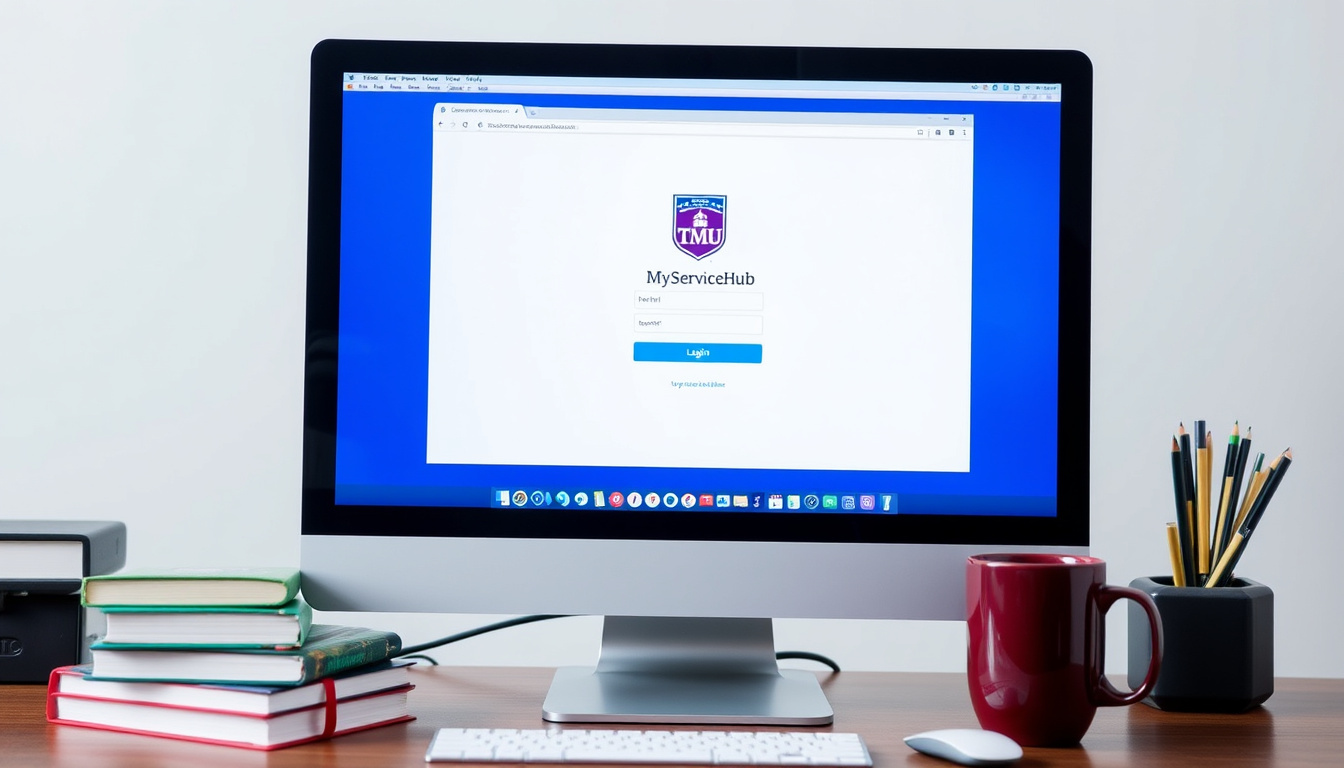

Toronto Metropolitan University’s MyServiceHub centralizes Office of the Registrar services in one portal, but students who confuse their TMU username with their student number hit a login wall every time. Getting started or troubleshooting access issues requires knowing a few key details — this guide covers both.
Primary function: Central support for Office of the Registrar at Toronto Metropolitan University ·
Services covered: Undergraduate admissions, enrollment, fees, course registration, grades, financial aid ·
Access method: Web portal at my.torontomu.ca using TMU username ·
Scheduled maintenance: Daily midnight – 1:15 a.m. ET ·
Contact channels: Phone, email, in-person at the ServiceHub desk
Quick snapshot
- MyServiceHub is the primary portal for Office of the Registrar services at Toronto Metropolitan University (Toronto Metropolitan University ServiceHub (official service centre)).
- Access requires a TMU username login via my.torontomu.ca. (Toronto Metropolitan University ServiceHub (official service centre))
- Whether MyServiceHub will be merged with the my.torontomu portal in the future.
- Exact response times for email inquiries.
- No planned changes or upgrades announced; current maintenance schedule stable.
- Students should confirm their TMU username before the semester rush to avoid login delays.
The table below summarizes key facts about TMU MyServiceHub.
| Item | Detail |
|---|---|
| Official site | TMU MyServiceHub Support |
| Login portal | my.torontomu.ca |
| Maintenance window | Daily 12:00 a.m. – 1:15 a.m. ET |
| Primary users | Undergraduate students |
| Support scope | Office of the Registrar |
| Contact channels | Phone, email, in-person at Kerr Hall |
| Hours | Monday–Friday, 9 a.m. – 5 p.m. |
What is TMU MyServiceHub used for?
What is MyServiceHub TMU?
- MyServiceHub is the primary self-service portal for undergraduate student administrative tasks through the Office of the Registrar at Toronto Metropolitan University.
- It handles everything from course registration and fee payment to viewing grades, requesting transcripts, and managing personal information.
What does TMU stand for?
- TMU stands for Toronto Metropolitan University, located in Toronto, Ontario.
- The institution changed its name from Ryerson University in 2022, but MyServiceHub and related portals continue to serve the same student body.
What this means: MyServiceHub is not a general university portal — it is specifically the gateway for registrar services. If you need to enrol in courses, pay tuition, or check your grades, this is where you go.
Undergraduate students at TMU who rely on MyServiceHub for fee deadlines and registration windows face a single point of failure: if the portal is down during maintenance or a login glitch, there is no immediate backup. Knowing the scope — and limits — of MyServiceHub is the first step to avoiding last-minute panic.
The pattern: MyServiceHub serves undergraduate registrar functions exclusively — graduate students need a different system.
How do I access TMU My Service Hub?
How do I get to my service hub in TMU?
- Go to my.torontomu.ca in a supported browser (Chrome, Firefox, or Edge).
- Log in using your TMU username — not your student number.
- First-time users: activate your account through the portal by following the on-screen prompts.
What is the login process for TMU MyServiceHub?
- Open your browser and navigate to my.torontomu.ca.
- Enter your TMU username (e.g., jsmith) and your password.
- If you see a blue or grey page after login, click the “Back to…” link or log out completely and log in directly to the admin address of the blog (Toronto Metropolitan University Toolbox (login troubleshooting guide)).
The pattern: the login process is straightforward — but the most common mistake, using a student number instead of a username, blocks access instantly. Users on Reddit have reported this repeatedly as a fixable frustration.
The daily maintenance window from midnight to 1:15 a.m. ET means late-night studiers get locked out. Plan your portal use around that hour, or you will hit a blank page.
The implication: knowing your TMU username and avoiding the maintenance window makes access straightforward — most login failures stem from those two preventable errors.
Why is my service hub not working at TMU?
- Wrong login method: Using your student number instead of your TMU username is the most common cause of login failure.
- Browser cache problems: Old cached data can cause redirect loops or blank pages. Clear your cache and try again.
- Scheduled maintenance: The portal is unavailable daily from 12:00 a.m. to 1:15 a.m. ET for updates.
- Expired password or account lock: Multiple failed attempts can lock your account. Use the password reset option on the login page.
- Blue or grey page after login: TMU’s Toolbox guidance suggests clicking the “Back to…” link or logging out and logging in directly to the blog admin address.
The implication: most MyServiceHub access problems boil down to user error or timing. A quick checklist — check your username, clear cache, avoid the maintenance window — resolves the vast majority of cases before you need to call support.
What services does the TMU Service Hub offer?
- Undergraduate admissions: Track application status, submit required documents.
- Course registration: Enrol in courses, add/drop classes, view schedules.
- Fee payment and financial aid: Pay tuition, manage OSAP applications, view fee receipts.
- Grades and transcripts: View semester grades, request official transcripts.
- Exam scheduling and graduation: Check exam timetables, apply for graduation.
- Personal information: Update your address, phone number, and emergency contacts.
The trade-off: MyServiceHub covers the essentials for undergraduate students, but graduate students have separate systems. If you are a grad student, you will need to contact the Yeates School of Graduate Studies directly, not the ServiceHub.
How do I contact ServiceHub at Toronto Metropolitan University?
- Phone: Call during business hours, Monday–Friday, 9 a.m. – 5 p.m. ET.
- Email: Send an inquiry — response times are typically 1–2 business days.
- In-person: Visit the ServiceHub desk on the main floor of Kerr Hall on TMU’s campus.
Why this matters: for urgent issues — like a registration deadline or a fee hold — the phone is fastest. For non-urgent questions, email is fine, but do not expect same-day responses.
If you search “service hub” online, you may land on Microsoft’s Services Hub page instead of TMU’s. Microsoft’s Services Hub requires a separate Microsoft account and is unrelated to TMU. Bookmark torontomu.ca/servicehub to avoid confusion.
What this means: for urgent registration issues, phone is fastest; for non-urgent questions, email works but expect 1–2 business days.
How do I reset my TMU MyServiceHub password?
- On the login page at my.torontomu.ca, click the “Forgot password” link.
- Follow the instructions sent to your TMU email account.
- If you do not receive the reset email, check your spam folder or contact the ServiceHub for help.
The pattern: password resets are automated, but account recovery can take up to 24 hours if you have not set up recovery options in advance. Do this before a deadline.
“ServiceHub is the service centre for the Office of the Registrar at Toronto Metropolitan University, helping you with undergraduate admissions, fees and financial assistance, and related student services.”
— Toronto Metropolitan University ServiceHub (official service centre description)
“If you see a blue or grey page after login, click the ‘Back to…’ link or log out completely and log in directly to the admin address of the blog.”
— Toronto Metropolitan University Toolbox (login troubleshooting guide)
For undergraduate students at Toronto Metropolitan University, the choice is clear: learn MyServiceHub’s quirks now — especially the username login and maintenance window — or risk hitting a wall on fee day. Bookmark the portal, save the ServiceHub phone number, and set a reminder for semester registration week.
learn.microsoft.com, torontomu.ca, youtube.com, youtube.com, youtube.com
Frequently asked questions
What is the difference between MyServiceHub and my.torontomu?
MyServiceHub is the name of the service portal hosted at my.torontomu.ca. They refer to the same system — the official login page is my.torontomu.ca, and the service is called MyServiceHub.
Can graduate students use MyServiceHub?
No. MyServiceHub is primarily for undergraduate students. Graduate students should contact the Yeates School of Graduate Studies for their specific portal and support.
How do I reset my TMU MyServiceHub password?
Click “Forgot password” on the login page at my.torontomu.ca. Instructions will be sent to your TMU email. Contact ServiceHub if you do not receive the email.
Does MyServiceHub support OSAP applications?
Yes. You can view your OSAP application status, check funding details, and manage related tasks through MyServiceHub.
How do I view my class schedule in MyServiceHub?
Log in to my.torontomu.ca, navigate to the “Enrollment” or “Student Center” section, and select “My Class Schedule” from the drop-down menu.
What should I do if MyServiceHub shows an error after login?
First, clear your browser cache and try again. If the problem persists, try a different supported browser (Chrome, Firefox, Edge). If the error continues, contact ServiceHub directly.
Can I access MyServiceHub from outside Canada?
Yes, MyServiceHub is accessible from any internet connection. You do not need a VPN to log in or manage your account from abroad.
Related stories





Jessica Morin covers provincial policy and regional economic trends.